
Michael and I use d5s agents across our day-to-day work, from preparing for meetings and managing invoices to monitoring leads, helping with customer support, and keeping an eye on our product. The more we work with them, the more tasks we find ourselves handing over.
Here are three examples of how they’re helping us.
1. Invoice management: keeping our accountant happy
Our finance agent follows invoices from collection through checking and filing, so we can focus on the exceptions.
Invoices are one of those things that shouldn’t take much time. Until you have to find them, check the details, ask for a correction, rename them, and save them in the right place.
Our agent helps with that whole process. It checks that the details are correct, flags what’s missing, and helps follow up until we have the corrected invoice. It also checks invoices against our accounting software, helps submit those that are missing, and matches invoices to recorded payments.
- 01CollectFinds new invoices in email and shared folders.14 found
- 02CheckSupplier, amount, date and VAT number.12 correct
- 03Follow upAsks the supplier to correct a missing VAT number.1 request sent
- 04MatchCompares invoices with payments in the accounting software.1 payment with no invoice
- 05FileRenames each invoice and saves it to the accounting folder.Waits for approval
Recently, it checked the documents it was tracking against our accounting folder. It gathered the ones that still needed filing and, after approval, saved them using our naming convention.
Questions come back into Slack, where both of us can pick them up. What helps most is knowing which items still need us. Our accountant gets organised documents without us handling every file ourselves.
2. Personal agent: keeps us focused
My personal agent prepares meeting context and follows up on commitments, so I can focus on the delivery.
Last week, I had a customer presentation which had been planned one month in advance. Without me even asking, my AI agent pulled together where we’d left things and what we’d agreed, and let me know two days in advance so I could prepare.
It went through our email chain, calendar, and customer records in our CRM. It separated what we’d agreed from what we’d discussed and highlighted the next steps. That’s a lot of old threads I didn’t have to go back through myself.
This is one of my agent’s tasks. The agent also helps me draft replies, tracks things I’ve promised to do, and reminds me when something needs attention. It works with our sales agent to keep our customer relationship management system (CRM) up to date as conversations move forward.
 Gmail
Gmail Google Calendar
 HubSpot
 Slackd5s app
I can give it my rambling thoughts (literally, I’ve mainly been using it through transcription) and work through them together. I’ve connected it to Telegram too, so it can reach me when I’m away from my computer or if there is something urgent that requires my attention. I find myself relying on it more and more.
3. Engineering: ongoing monitoring
Our engineering agents follow releases and investigate monitoring findings, bringing us evidence and proposed next steps.
One agent follows an update through its release checks. It checks what has finished, what is still pending, and what needs verifying before we can call the update live. Another keeps an eye on how the product is running.
When something needs investigating, the agent can look at logs, gather relevant context, and help us work out the root cause. It brings the findings and a proposed next step into Slack and Linear, so we have somewhere to start when we pick it up.
These jobs run on a schedule or when something changes. They can keep going while we’re in meetings or asleep. We return to the checks and evidence in one place, ready to decide what to do next.
That saves us the first round of searching across tools and leaves more time for building the product.
How to start with AI agents in your small business
Give your first agent one recurring job whose result you can check.
- Connect the tools and context it needs for that job.
- Review the first results together and refine the instructions.
- Add a schedule once you’re happy with the work.
For Michael and me, the biggest benefit is having fewer loose ends to keep in our heads. We’re still involved, but we just don’t have to do every step ourselves.
You can explore d5s agents to find a starting point for your team.
Frequently asked questions
Can I approve an AI agent’s actions before they run?
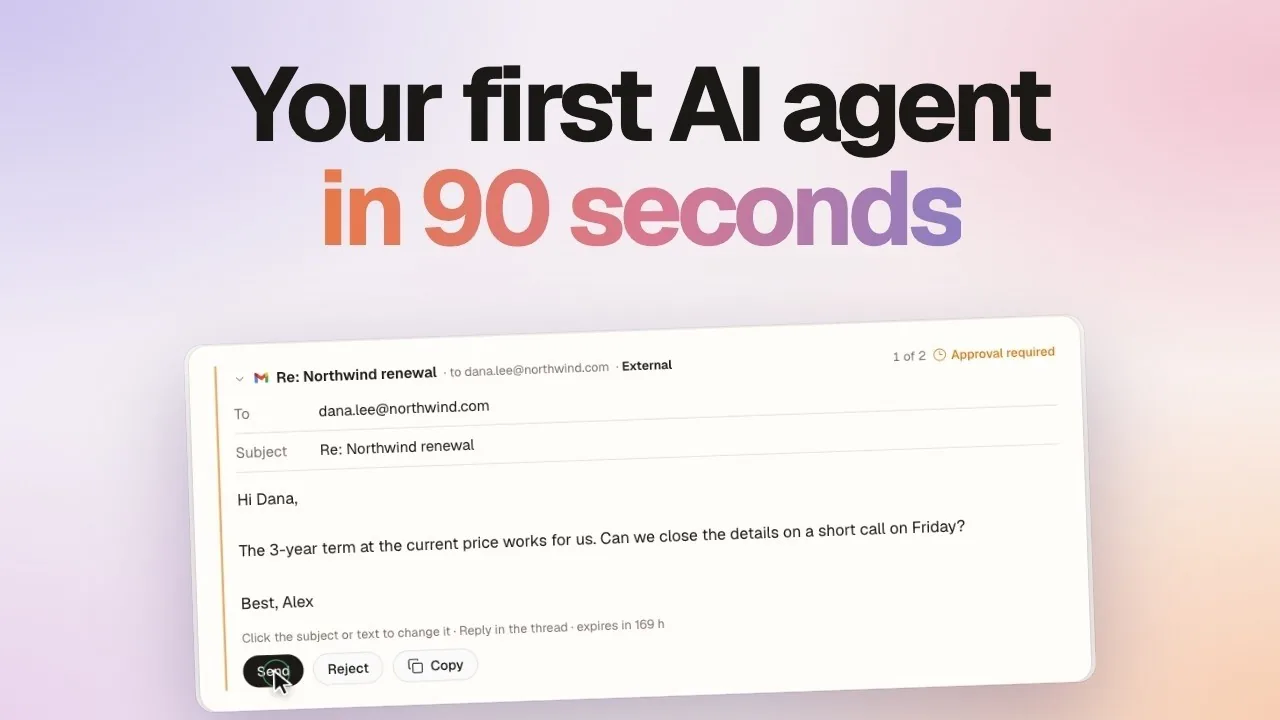
Yes. For connector actions with tool permissions, d5s provides Allow, Ask, and Deny controls. Set an action to Ask when it needs approval before it runs. Review the permissions available for each connected tool when you set up your agent.
Do I need to automate a whole process at once?
No. Start with one step you can review, such as preparing a meeting brief or checking a batch of invoices. Refine the instructions using the first results, then add more responsibility as you become comfortable with the work.
How can I measure the time an AI agent saves?
Compare the time you normally spend on a task with the time you spend reviewing and correcting the agent’s result. Include setup time in your assessment. Repeat the comparison across several runs before estimating a weekly saving.