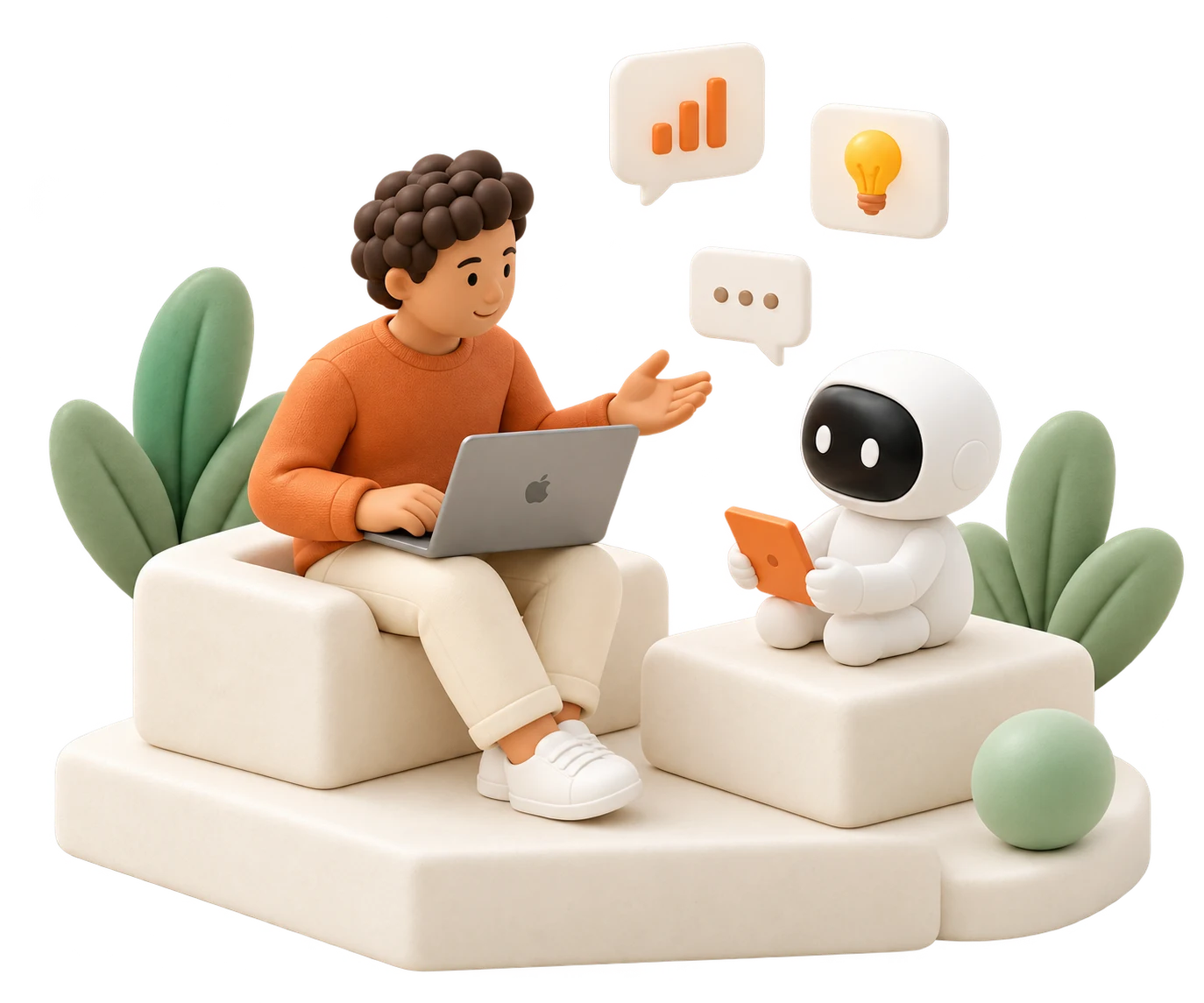
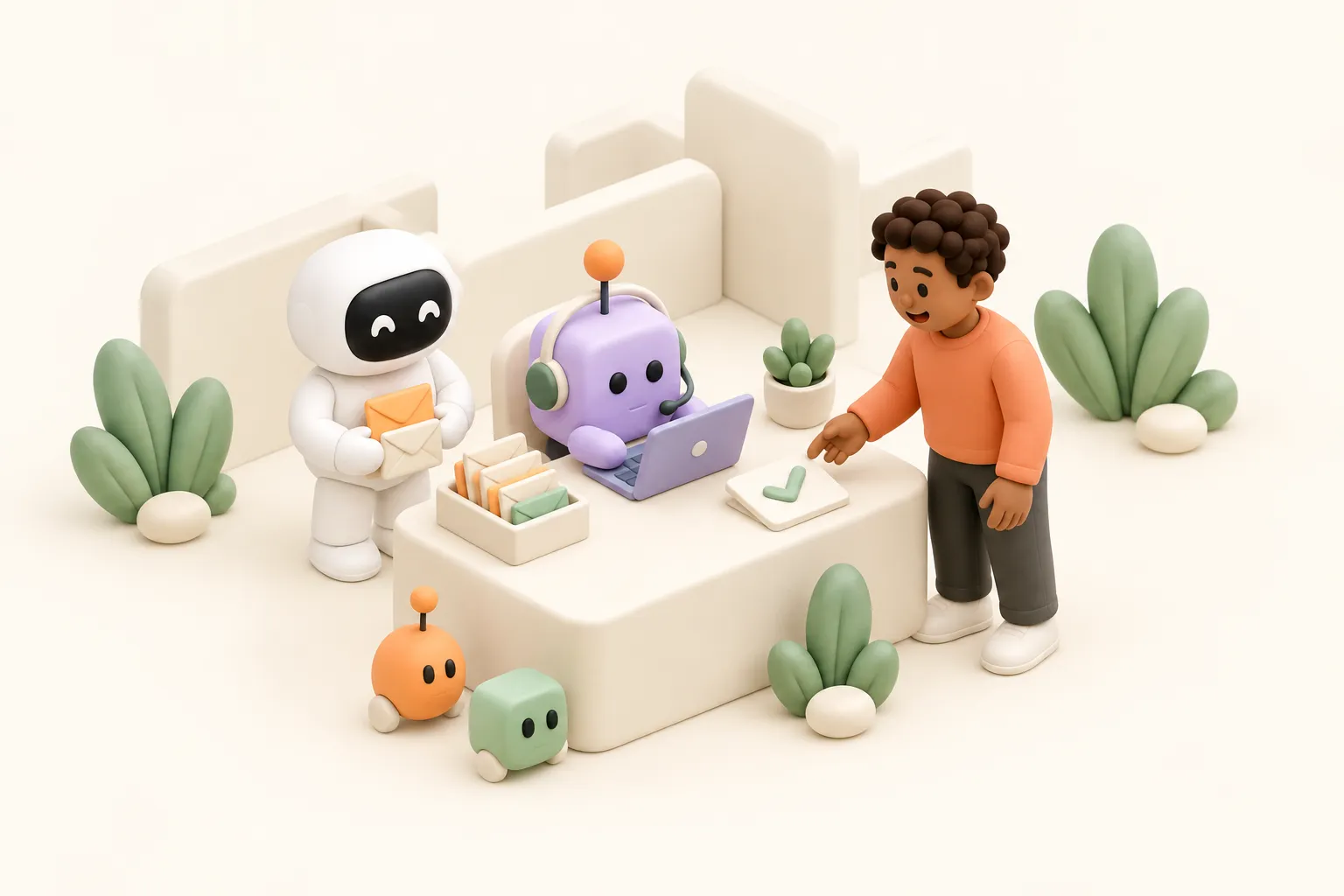
You might have heard the terms "AI coworker", "AI employee" or "AI teammate". The words sound alike, but the products behind them do different things.
In this guide, we answer one question: what is an AI coworker, and how do you tell a real one from a chatbot with a name?
We define the term, compare it with chatbots and workflow tools, and present three jobs that d5s agents do every week.
The short answer
An AI coworker is an AI agent with a role on your team. It works in your communication channels: in Slack, Microsoft Teams, email and calls. It remembers context, learns your processes and does the work in the same tools you use.
Key points
- An AI coworker has a job, not a prompt. You can ask in a thread, send it an email or invite it to a call, and it finishes the work using the same tools you would use.
- It keeps context. Memory and skills carry your decisions and your processes. AI coworkers improve over time. They learn from their experience and your feedback.
- It follows up on its own. It works on a schedule and does not wait for a prompt.
- It asks when it needs you. It works with permissions and follows your rules. Like an employee, it asks for approval or clarification when it lacks information or when your policy requires it.
 Slack#leadership
 Its inboxFrom Dana
 A callAcme, 14:00
 A scheduleEvery weekday
- Dana prefers short recaps
- Board meeting moved to Thursday
- Morning brief
- Call recap
 Send the call recap to Dana
- Brief posted in #leadership08:16
- Recap sent to Dana15:02
 Acme renewal deal updated15:03
What is an AI coworker?
An AI coworker is an AI agent with a job on your team, not a chat window.
It has a role and a name, for example chief of staff or customer support. People give it work in Slack, Microsoft Teams, email or a call. It has its own access: only the tools, files and channels that you give it. It works out the steps itself, then reads and writes in tools such as Gmail, HubSpot or Jira. It keeps your company's context and its own memory from one conversation to the next. It checks in on a schedule, brings you what needs attention and follows up without a new prompt. Before it sends or changes anything, it asks a person.
A product without one of these traits is a different tool. The next figure shows which one.
AI coworker vs chatbot vs workflow tool
A chatbot gives answers and a workflow tool repeats fixed steps. An AI coworker finishes jobs that need judgment, several tools and a follow-up.
| Chatbot | Workflow tool | AI coworker | |
|---|---|---|---|
| Where you reach it | A chat window | Nowhere: it runs in the background | Slack, Microsoft Teams, its own inbox and calls |
| What it needs from you | A prompt each time | A trigger and steps you map in advance | A job, in plain words |
| Result | An answer to copy into your tools | One mapped action | The finished job, for example a sent brief or an updated record |
| Context | The current chat | The fields in the flow | Memory and skills, across conversations |
| When it starts | When you type | When the trigger fires | When you mention it, when an email arrives, or on a schedule |
| When the process changes | You explain it again | You edit the flow | You tell it once, and it saves it to memory |
| Sends and changes | Rarely, through plugins | Run as mapped | Wait for your approval by default |
Use chatbots for quick answers. Use workflow tools when the steps never change. Give the rest to AI coworkers: the error check, the lead follow-up, the invoice checks.
AI coworker vs AI agent vs AI employee
Every AI coworker is an AI agent, but not every agent is a coworker.
- AI agent is the general term. It is software that uses a large language model (LLM) to choose its next step and act with tools. An agent can do one task and stop.
- AI coworker is an agent with a long-term role, channels and memory. It works next to people and improves over time.
- AI employee is a label some vendors use for the same idea. It often suggests that the agent replaces a person in a role.
- AI teammate is another name for an AI coworker. It puts the focus on work with people, not instead of them.
To see how vendors use these terms, compare d5s with Lindy, Viktor and Microsoft Copilot.
At d5s we say coworker on purpose. People keep the direction, the judgment and the accountability. The agent does the repeatable work and asks when it does not have enough information or when your processes require it.
Who needs an AI coworker?
Teams with work that comes back every week and spans several tools.
Typical jobs are error checks, lead follow-ups, invoice checks, status updates and the morning brief from an AI chief of staff. Each one takes a little judgment and a lot of copying between apps.
If a job is the same fixed steps every time, a workflow tool can be enough. If the job needs a decision that only you can make, the agent prepares the facts and you decide.
AI coworker examples: what one does in a week
Three jobs that teams give to d5s agents. Each one spans several tools, uses memory and stops for approval before it sends or changes anything.
Monday, 09:10: the bug behind the errors
An AI engineering agent runs its daily check after the weekend release. In Sentry, checkout errors went from 12 to 340 an hour since Saturday, all from one error. It compares the error trace with the merged pull requests in GitHub and finds the cause: a change to the address form sends an empty postcode for customers outside the EU. 38 customers could not pay.
Its memory says that the payments team owns checkout. So it posts the finding in the payments channel in Slack, with the trace, the pull request and the number of customers. Then it drafts a Linear issue with the steps to reproduce and a suggested fix. The issue waits for your approval. The fix and the release stay with your engineers.
Tuesday, 14:30: the lead that does not go cold
A new lead fills in the demo form at 14:30, and the form email arrives in the agent's inbox. The agent checks HubSpot: the same company talked to you last year and stopped at the security review. Its memory has the open question from then: data residency. It drafts a reply that answers that question, with three meeting times from your calendar, and it creates the contact and deal in HubSpot. Both wait for your approval.
The agent sets its own reminder. After three days with no reply, it drafts a short follow-up for you to approve. When the lead books a call, it joins as a listen-only participant, writes the notes and updates the deal. Every Friday, it lists each open lead with no reply for more than two days, so no lead goes cold without a decision.
Wednesday, 07:00: the invoices and the quarterly VAT
An AI accountant checks every new invoice in the invoice inbox and prepares it in Moneybird. This week a software vendor bills 25 seats at €58. The signed contract in Google Drive says €46 a seat, so the invoice is €300 too high. The agent holds this invoice back and drafts an email to the vendor with the contract clause, for your approval.
The quarter closed last week, so it also prepares the VAT overview. It takes sales and the VAT you collected from Stripe, and purchase VAT from the invoices in Moneybird. It flags two Stripe refunds that have no credit note yet. Your accountant gets one summary with the totals and the open items, and files the return.
How to choose an AI coworker
Eight checks show whether a product is a real AI coworker or a chatbot with a name. After each check, we show how d5s agents meet it.
- Start with one weekly job. In the first week, give it a job your team does every week, such as a status update. Then look for the result in your tools: a sent brief, an updated record or a posted update. In d5s, start from a ready-made role in the agent library, or describe the job by typing or by voice. Scheduled wakeups run once, daily, weekly or every few hours, and the agent can set its own reminders.
- Check where it works. Can your team reach it in Slack, Microsoft Teams and email? Does it have its own inbox, and can it join calls? A d5s agent replies in the Slack or Microsoft Teams thread where you mention it. It can have its own d5s email address or a dedicated Gmail or Outlook mailbox. It joins Google Meet, Microsoft Teams and Zoom calls as a listen-only participant. See channels, email and meetings.
- Check its tools. Name the tools the job needs. Make sure the agent can write in them, not only read. See the d5s connectors.
- Open its memory. You should see what it saved and fix a wrong entry. If you connect mail or calendar, a d5s agent's first run reads them and saves what it learns to its memory. Skills hold your processes as written steps, and every agent in the workspace can use them. You can read both, and admins can change skills.
- Try a send. Ask it to email a client. It should stop and show you the draft. Check where the approval card appears and who can decide it. In d5s, each action is Allow, Ask or Deny. Reading is Allow. Anything that sends or changes data is Ask, so it waits for your approval. You can allow actions you trust to run without a card.
- Check model choice. One fixed model locks you in. Look for a choice of model for each agent. In d5s, you choose the model for each agent from OpenAI, Anthropic, Google, Mistral and others.
- Check where your data lives. Ask where the service runs and whether you can run it in your own cloud. Ask whether model providers keep your data. The hosted d5s service runs in the EU. With Enterprise, you can run d5s in your own cloud or on your own Kubernetes. See security.
- Check how you pay. Ask what a scheduled job costs when nobody watches it. Ask how you see that cost before the bill. See d5s pricing.
- Maya@Poppy log today's call on the Acme renewal deal.
- PoppyI wrote the notes: three decisions and two next steps. Approve the update?Update deal · HubSpotAcme renewal: add call notes and next steps
What this means for your team
An AI coworker is not one more chat window. It is a member of the team with a role, an inbox and a memory, and it asks before it acts. With d5s, you can start from a ready-made role in the agent library and give it its first weekly job today.
FAQ
What is an AI coworker?
An AI coworker is an AI agent with a role on your team. It works in Slack, Microsoft Teams, email and calls. It uses your tools, remembers context and follows up on its own. It asks before it sends or changes anything.
What can an AI coworker do?
It does repeatable work that spans several tools. It traces production errors to the change that caused them, follows up on every new lead and checks invoices against contracts. It prepares the work, and you approve what it sends or changes.
What are examples of AI coworkers?
Common examples are an AI chief of staff, an AI engineering agent, an AI accountant, an AI project manager and an AI customer support agent. Each one has a role, works in your channels and remembers context.
What is an AI teammate?
Another name for an AI coworker. It is an AI agent with a role on your team that works with people in Slack, Microsoft Teams, email and calls, and asks a person before it sends or changes anything.
Is an AI coworker the same as an AI agent?
No. "AI agent" is the general term for software that uses a model to choose steps and act with tools. An AI coworker is an agent with a role, channels and memory. It works next to people over time.
What is the difference between an AI coworker and an AI employee?
Mostly the label. Vendors use both for agents that do work in your tools. "AI employee" often suggests a replaced role. "AI coworker" keeps people in charge of direction and decisions, and the agent does the repeatable work.
Will AI coworkers replace people on my team?
No. They take over repeatable work, such as briefs, notes, updates and follow-ups. People keep direction, judgment and the final decision. Most teams start with one weekly job and add more as trust grows.
Can an AI coworker send email without my approval?
Only if you allow it. A d5s agent asks before each email by default. Email from a connected Gmail or Outlook account always waits for your approval. For its d5s inbox, you can approve recipients that it can email directly.
Is my company data safe with an AI coworker?
Yes, with controls you can check. The hosted d5s service runs in the EU. Team and Enterprise use zero data retention on d5s-provided primary model routes. Sends and changes ask first. Enterprise can run d5s in your own cloud.
How much does an AI coworker cost?
It depends on how much work it does. Every d5s plan includes monthly credits, and each agent run uses credits, including scheduled runs. Pro has one monthly price, Team is priced per seat, and Enterprise is custom.
Do I need to code to set up an AI coworker?
No. Describe the job by typing or by voice, or start from a ready-made role. Connect your tools with your normal sign-in. Then approve the first job the agent prepares.
Can I run AI coworkers in my own cloud?
Yes, with Enterprise. You can run d5s in your own cloud or on your own Kubernetes cluster. On the other plans, d5s runs as a hosted service in the EU, and you choose the model for each agent.